

VibeGraphing
本章解释 MASFactory 的 VibeGraphing 设计与使用方式:从自然语言意图产出 graph_design.json,再编译为可运行图结构。
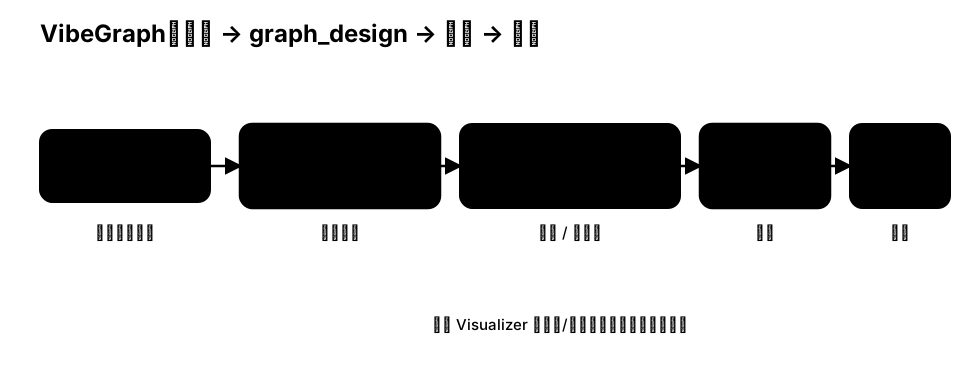
关键对象
VibeGraph:一个Graph节点,负责:- 生成或读取
graph_design - 编译
graph_design为可运行的 nodes/edges - 缓存
graph_design以便迭代
- 生成或读取
graph_design.json:图的“中间表示”(IR)。它是可读、可编辑、可版本化的结构描述。- build workflow:生成
graph_design的工作流(默认VibeWorkflow),可以替换为你自己的流程。 - compiler:把
graph_design编译为真实的 MASFactory 图结构(见masfactory/components/vibe/compiler.py)。
典型用法
python
from pathlib import Path
from masfactory import VibeGraph, NodeTemplate

Workflow = NodeTemplate(
    VibeGraph,
    invoke_model=invoke_model,
    build_model=build_model,
    build_instructions=build_instructions,
    build_cache_path=Path("assets/cache/graph_design.json"),
)
运行时行为:
- 若
build_cache_path不存在:运行 build workflow 生成graph_design并缓存; - 若
build_cache_path已存在:直接读取缓存; - 编译
graph_design到当前VibeGraph实例内的 nodes/edges; - 作为普通
Graph执行。
graph_design 标准
graph_design 的标准定义在仓库的 graph_design/ 目录。
后续所有 graph_design 的生成与解析都应对齐此标准。
在 Visualizer 的 Vibe 视图中预览/编辑 graph_design.json 时,也应以该目录为准。
与 Visualizer 的协作
推荐工作流:
- 运行一次生成
graph_design.json; - 用 MASFactory Visualizer 打开并预览结构;
- 需要时直接在 Vibe 视图编辑并保存;
- 回到 Python 运行,验证编译与运行效果。
自定义 build workflow
如果你希望 graph_design 的生成过程更贴近你的业务(角色分配、阶段设计、人机确认等),可以:
- 替换
VibeGraph(..., build_workflow=...) - 在 workflow 里实现你的 “生成 → 预览 → 修改 → 确认” 逻辑
默认的 build workflow 是 masfactory/components/vibe/vibe_workflow。