

VibeGraphing
This page provides a more complete VibeGraph example: generate graph_design.json, cache it, compile, and run.
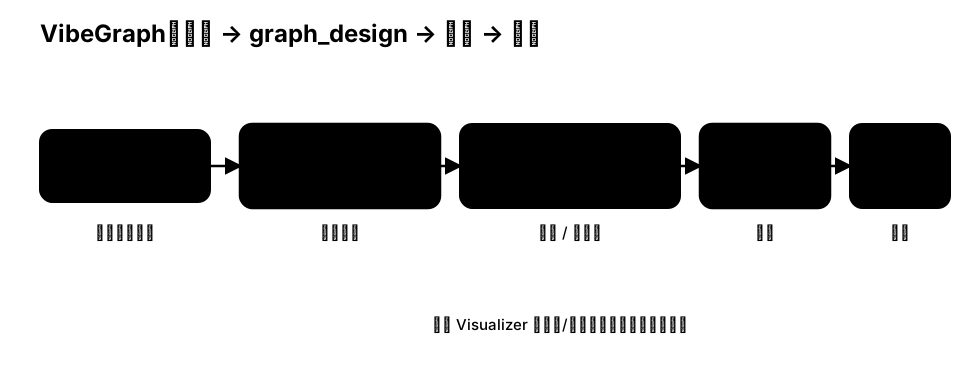
Example: generate and run a linear workflow
python
import os
from pathlib import Path

from masfactory import RootGraph, VibeGraph, NodeTemplate, OpenAIModel

model = OpenAIModel(
    model_name=os.getenv("MODEL", "gpt-4o-mini"),
    api_key=os.getenv("OPENAI_API_KEY"),
    base_url=os.getenv("BASE_URL"),
)

build_instructions = """
Build a linear workflow with 3 Agents
"""

Workflow = NodeTemplate(
    VibeGraph,
    invoke_model=model,
    build_model=model,
    build_instructions=build_instructions,
    build_cache_path=Path("assets/cache/example_graph_design.json"),
)

g = RootGraph(
    name="vibegraph_example",
    nodes=[("workflow", Workflow)],
    edges=[
        ("ENTRY", "workflow", {}),
        ("workflow", "EXIT", {}),
    ],
)

g.build()
g.invoke({})
Iteration tips
- After the first run, inspect
assets/cache/example_graph_design.json. - Use Visualizer (Vibe tab) to preview/edit the structure.
- Save changes and run again to validate compilation and runtime behavior.