

VibeGraphing Quickstart
VibeGraphing is an intent-driven workflow authoring mode in MASFactory. Instead of assembling every node/edge by hand, you describe the target system (goals, phases, constraints, inputs/outputs) in natural language, then iterate on the generated graph design with visual preview/editing until it converges.
- Describe the desired system shape in natural language (goal, stages, constraints, I/O, etc.).
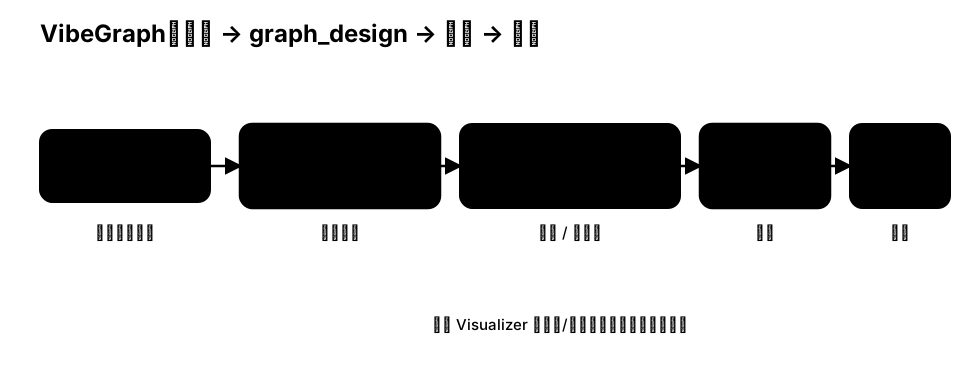
- MASFactory runs a build workflow (analysis → structure generation → role generation) and supports human interaction at each stage.
- You get a readable and editable graph design artifact, which can be compiled into runnable MASFactory graphs.
Minimal example: from intent to a runnable workflow
python
import os
from pathlib import Path

from masfactory import RootGraph, VibeGraph, NodeTemplate, OpenAIModel

model = OpenAIModel(
    model_name=os.getenv("MODEL", "gpt-4o-mini"),
    api_key=os.getenv("OPENAI_API_KEY"),
    base_url=os.getenv("BASE_URL") or None,
)

Workflow = NodeTemplate(
    VibeGraph,
    invoke_model=model,
    build_model=model,
    build_instructions="Build a simple linear workflow: ENTRY -> a -> b -> EXIT.",
    build_cache_path=Path("assets/cache/graph_design.json"),
)

g = RootGraph(
    name="vibegraphing_quickstart",
    nodes=[("workflow", Workflow)],
    edges=[
        ("ENTRY", "workflow", {}),
        ("workflow", "EXIT", {}),
    ],
)

g.build()
g.invoke({})
How to iterate the design
When the build_cache_path file exists, subsequent runs will load the cache and compile/run directly. You can:
- edit
assets/cache/graph_design.jsonmanually (or edit it in MASFactory Visualizer via the Vibe tab); - run the script again to observe structure/runtime changes;
- delete the cache file to force regeneration when you want a fresh design.